The site that you are currently viewing is a static version of the Software Factory
documentation delivered with the
version v7.2.
For up-to-date documentation, see the
latest version.
How to Enable GitLab DAST
Enable GitLab DAST on your project to scan a running web application for vulnerabilities.
less than a minute
For more information, see DAST practice
.
Configure your pipeline
Important
DAST requires a running web application accessible from the GitLab Runner, not just your local machine.
Add the following to your .gitlab-ci.yml, adapting the URL to target a running instance,
and push to your repository:
stages:
  - dast

include:
  - template: Security/DAST.gitlab-ci.yml

dast:
  variables:
    DAST_TARGET_URL: "https://your-target-url.com"
Note
By default, the DAST template only runs on the default branch.
To enable it on other branches, add custom rules to your pipeline configuration.
Tip
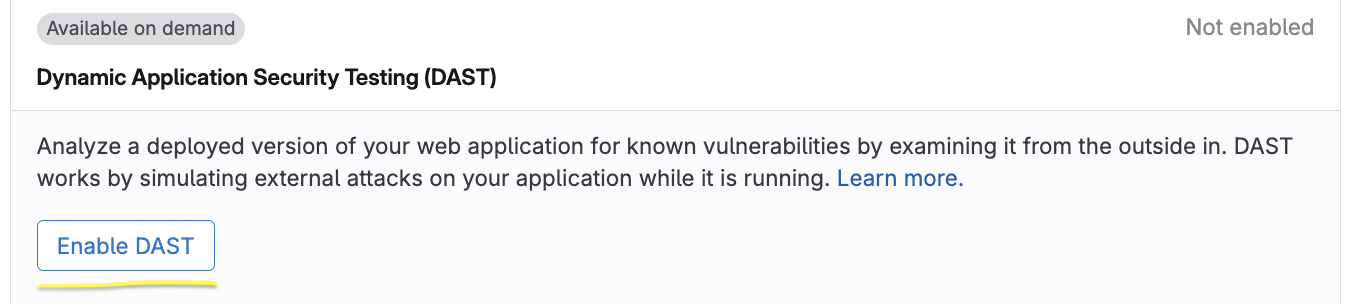
To avoid cloning the repository locally, GitLab can generate this change for you. Requires Maintainer role. Go to Secure > Security configuration , find the Dynamic Application Security Testing (DAST) row, select Enable DAST , then Create merge request .